The idea
RippleAI is a free, public AI chat. No account, no stored history, nothing kept. The welcome line says it plainly: “Free LLM chat. Ask anything. Nothing is saved.” That is a promise, not a tagline. In a category where most apps quietly log everything you type, choosing to store nothing is the whole point.
One surface, not a toolbox
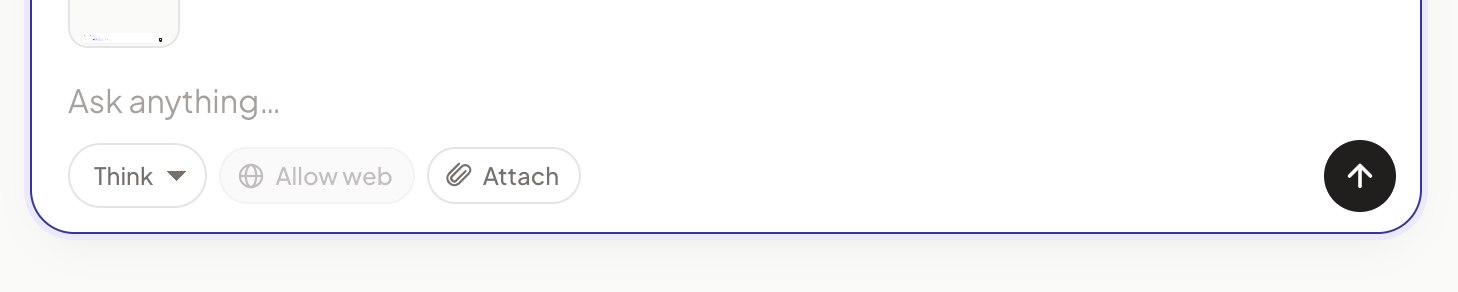
Text, image reading, image generation, and web search all live on one thread, as simple toggles on the composer. The rule behind them: a toggle is permission, not a command. Turning on “Allow web” lets the model search if the question needs it. Ask something simple and it just answers. One calm surface instead of a maze of modes.
Making the wait feel like progress
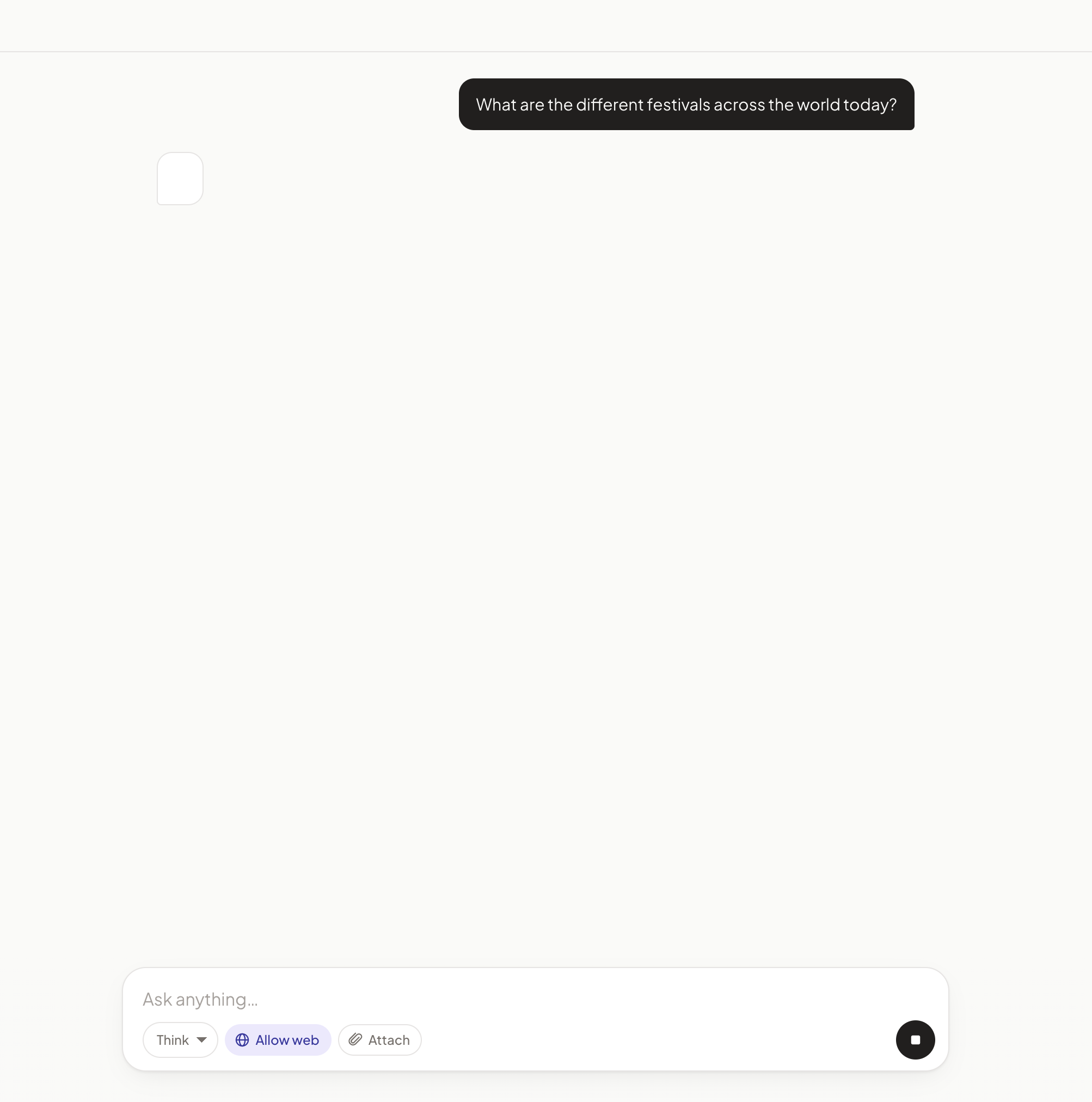
An answer takes a few seconds, and there is no honest progress bar for it. So we make the wait visible instead. Text streams in live. Reasoning opens a “Thinking…” panel that shows the model working, then folds away to “Thought for N seconds” once the answer arrives. Simple questions skip the slow path, so Think mode never makes you wait on “what is 2+2”.
Earning trust on a web answer
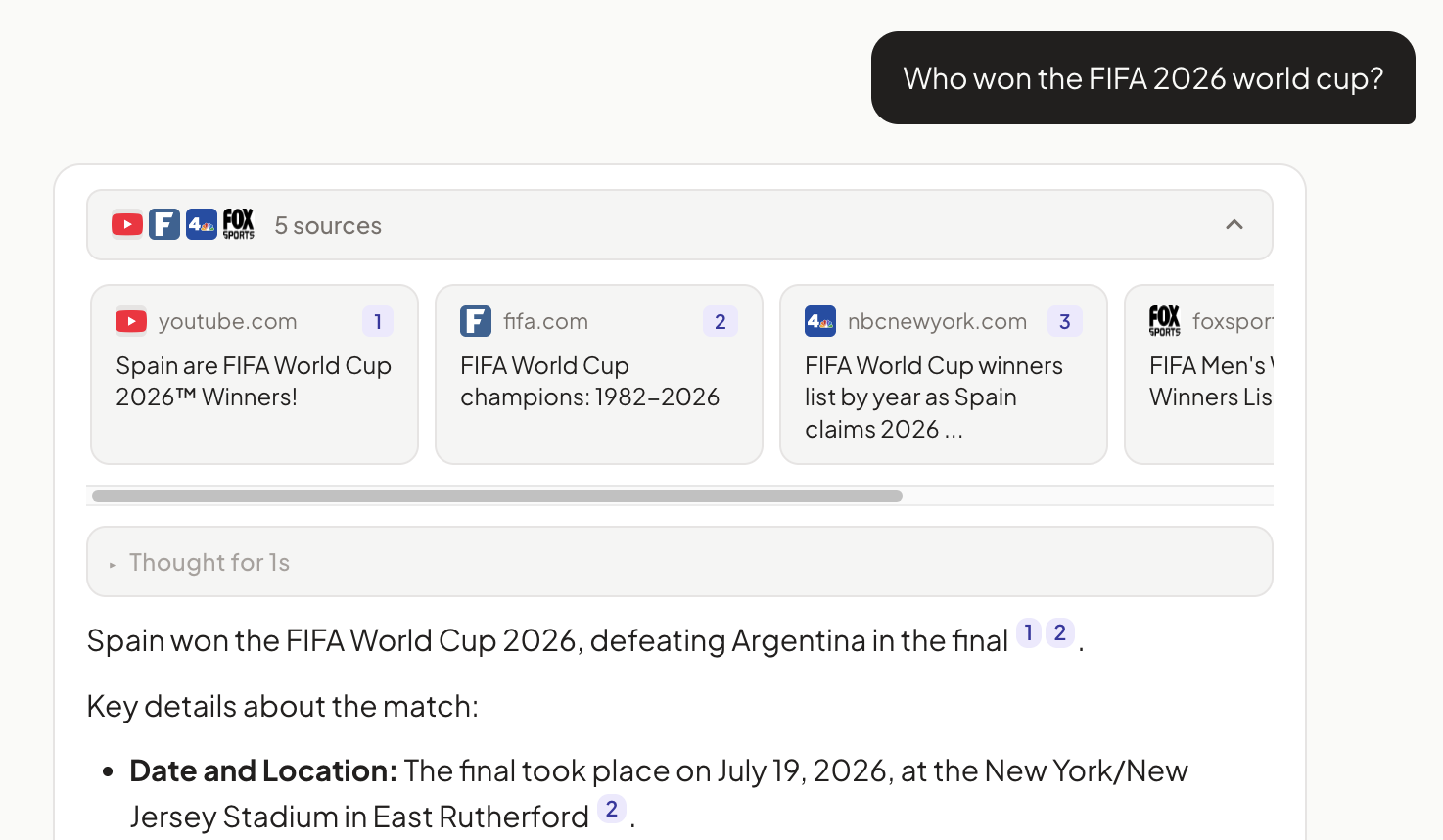
When the model searches, it shows its work: the queries it ran, the sources it found, and clickable citations in the answer. If it decides not to search, no sources appear, so you always know whether an answer is backed by real links or not.
Reading images, and one call you never see
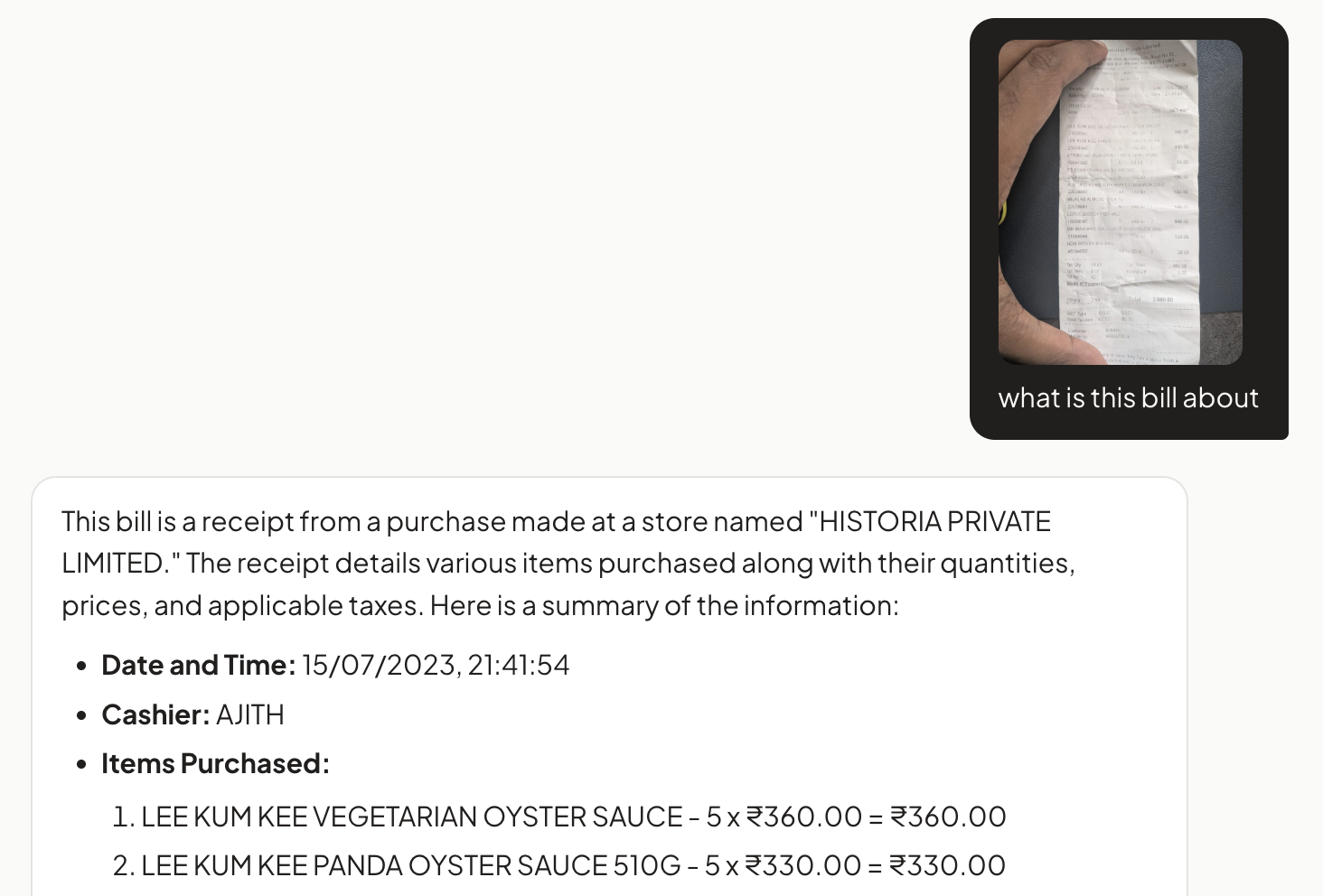
Drop, paste, or attach an image and ask about it. Because a chat column is narrow, tapping the image opens it full size, so you can actually read a number on a receipt.
On number-heavy documents, one model read them perfectly and another got them confidently wrong, so image questions are quietly routed to the accurate one. You just get the right answer.
Modes, not models
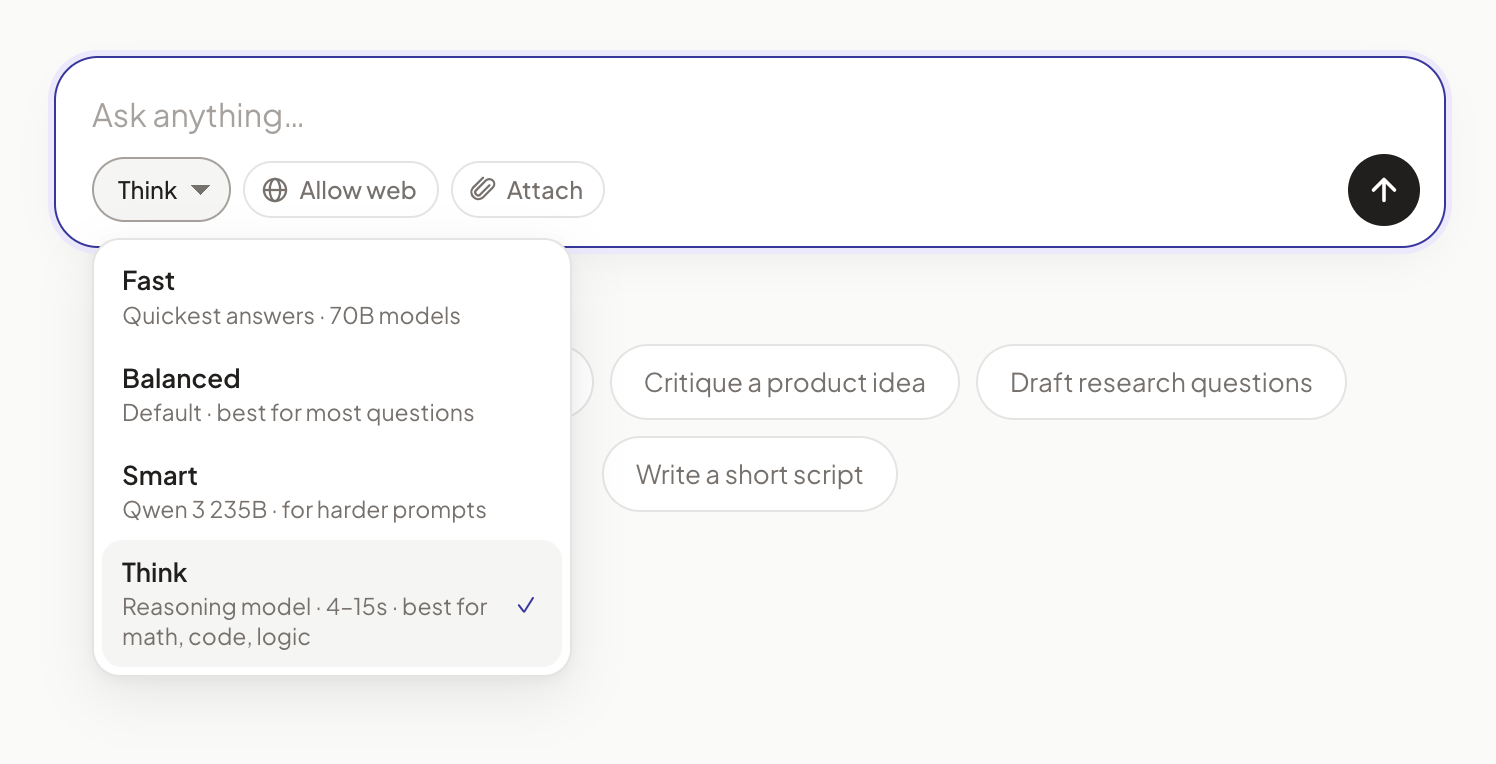
An early version made you pick a model from a dropdown. Nobody wants to choose between “Llama 3.3 70B” and “Qwen 3 235B”; they want an answer at the right speed. So there is one simple choice, Fast, Balanced, Smart, or Think, and the right model is picked automatically behind it.
The states most demos skip
A demo shines on the happy path. A product has to hold up everywhere else.
- Empty state: the welcome line plus a few starter prompts, so you are never staring at a blank box.
- Running low: on free tiers, if web search runs out of budget the toggle quietly disables itself and says so, instead of failing mid-answer.
- Keeping your message: if a bot check gets in the way, your text is held and sent the moment you pass, never dropped.
The result
RippleAI is live and free, no login. It is both a genuinely useful tool and the place we work out how AI interfaces should behave, how to show reasoning honestly, how to earn trust on a sourced answer, how to degrade gracefully, before we bring those patterns into the products we build for clients.